Reducing Checkout Cancellations During Payment Processing
I redesigned the checkout processing state to reduce user-initiated cancellations during long payment processing. The new flow gave users clearer feedback while keeping implementation lightweight, and canceled invoices were 50% lower in the first month after launch.
CLIENT
XGateway
segment
B2B
Industry
Fintech

Summary
Problem: users canceled payments during long processing, and invoices ended up canceled.
My role: investigated where cancellations happened together with the team, framed and prioritized solutions, and designed the UI experiment.
Solution: added a payment processing screen that asks users not to close the page.
Result: in the first month after launch, the number of canceled invoices was 50% lower than in the previous month. No A/B test was run.
Context
XGateway is a fintech company and payment solutions provider. Merchants issue invoices to their customers, who pay them through checkout — by card or via local payment methods. The set of payment methods depends on the merchant.
Under the hood, the platform can route payments through several providers that are switched on and off dynamically. Users never see this, but it affects how fast and predictably a payment goes through.
Users:
Primary user — the payer. Wants to complete the payment quickly and understand its status.
Business customer — the merchant. Wants to maximize the share of successfully paid invoices.
My role
Product Designer (UX/UI) for the checkout experience, working in a cross-functional team with a Product Manager, frontend engineers, and backend engineers.
Worked with the team to understand the causes of cancellations, frame and prioritize hypotheses, design the solution, and hand it off to engineering.
Problem
A meaningful share of invoices were being canceled by payers.
According to the engineering team, a significant share of user-initiated cancellations happened during payment processing.
After tapping Pay, the interface only showed a small spinner inside the button, while Cancel stayed available. This step usually took a few seconds, but sometimes processing lasted several minutes. Users couldn't tell whether the system was still working — and some of them canceled the payment.

Constraints
Processing time depended on external providers.
The solution had to work across different payment methods.
Hypotheses & prioritization
Together with the team, we looked at solutions of different scale — from infrastructure to UI — and prioritized them using ICE (Impact × Confidence × Ease), scoring each factor from 1 to 10.

We also considered several infrastructure solutions. I can't share the details due to NDA: they had potentially higher impact, but required significantly more time and involvement from the backend team and providers.
Solution
The processing state appears immediately after the user submits the payment and remains visible until the provider returns a final response.
The spinner shows the system is still working.
The message explains what's happening and asks the user not to close the page.
Once the provider responds, the user sees a success or error screen.
Out of three UI options, we chose the leanest implementation: a dedicated processing state with a spinner and explanatory message. It addressed the core UX problem while requiring minimal changes to the existing flow.

Why this approach:
It didn't require changing the processing logic and worked with any provider and payment method.
It could ship quickly and test whether uncertainty during processing was a key driver of cancellations, rather than the waiting time itself.
If it had no effect, the team would lose very little time and move on to the next hypotheses.
Result
The data came from the engineering team. We didn't run an A/B test, so external factors weren't controlled for, and the result can't be attributed to the UI change alone.

The cancellation fix was part of a broader checkout redesign:
UI redesign — refreshed the visuals and structure of the payment form.
Merchant setups — payment flows for different sets of payment methods: cards and local payment systems.
Payment method selection.
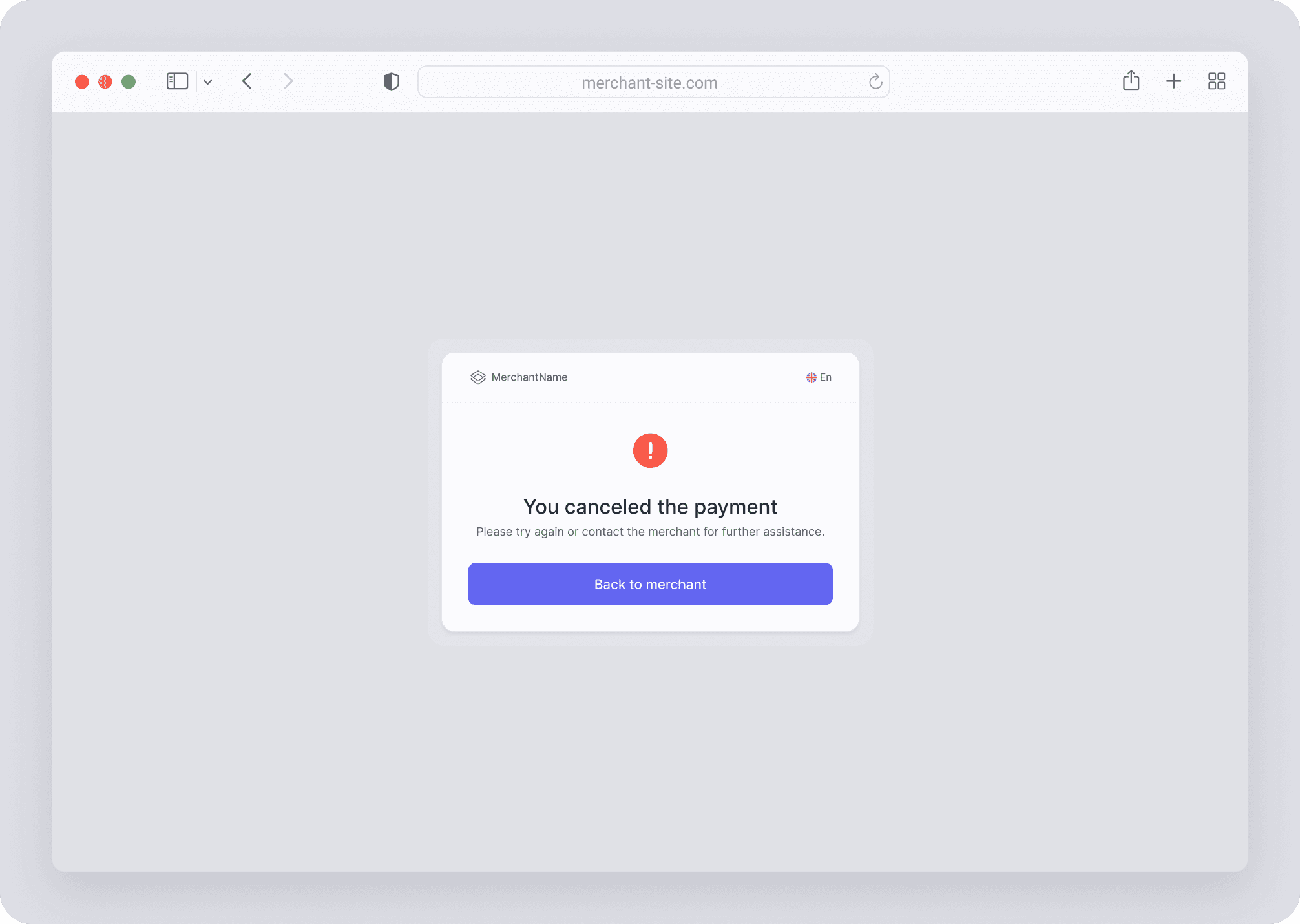
Payment states — success, error, processing, expired invoice.
Responsive design — desktop and mobile versions.
Components — checkout elements in the UI Kit for reuse.

What I'd do differently
I'd agree on the primary metric — the share of canceled invoices among started payments — and the measurement period upfront. Instead of comparing two adjacent months, I'd run an A/B test or analyze a longer time window.

